Our brand is defined by motion, and the way we use photography reflects that spirit. Every image should have a purpose—not just what it shows, but how it moves through the layout. Thoughtful composition, scale, layering, and cropping create energy, guide the eye, and help bring our stories to life.
Below are five ways to apply photography with intention. They are listed in order of skill level.
1. Photo Forward
Intention: Create focus
Skill level: Standard
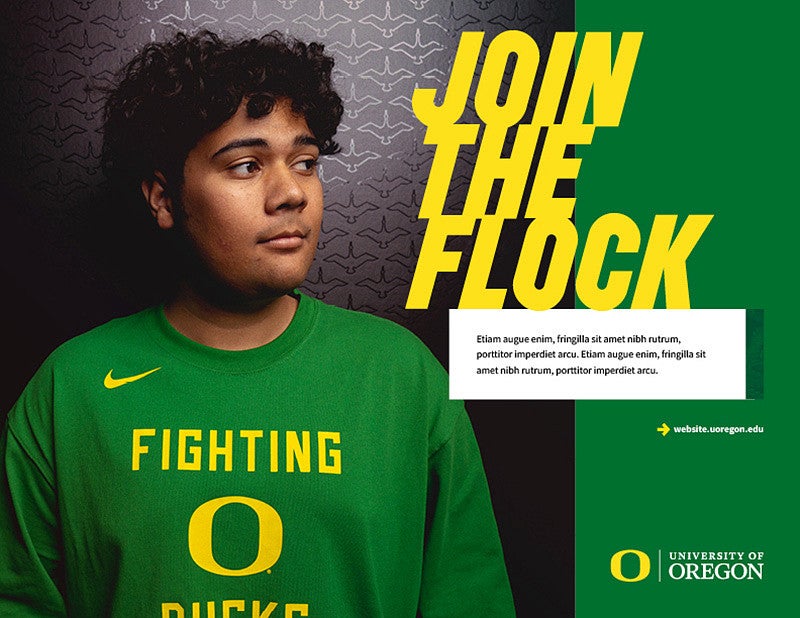
Let our photography take center stage. Straightforward applications of photo and type can support messaging in compelling ways.
2. Photo Sequence
Intention: Create movement and focus
Skill level: Standard
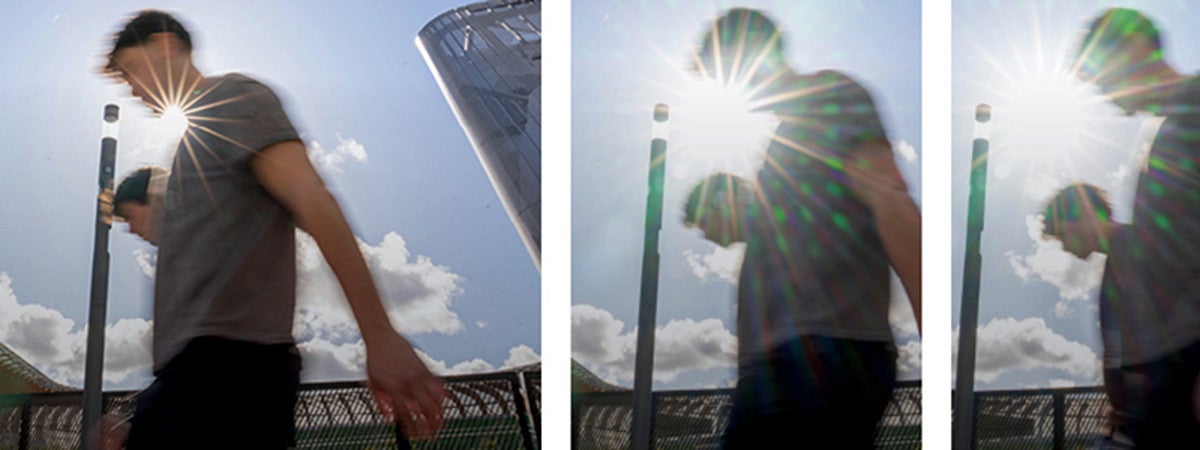
Photo sequences capture a single moment in time through multiple images; similar to film.
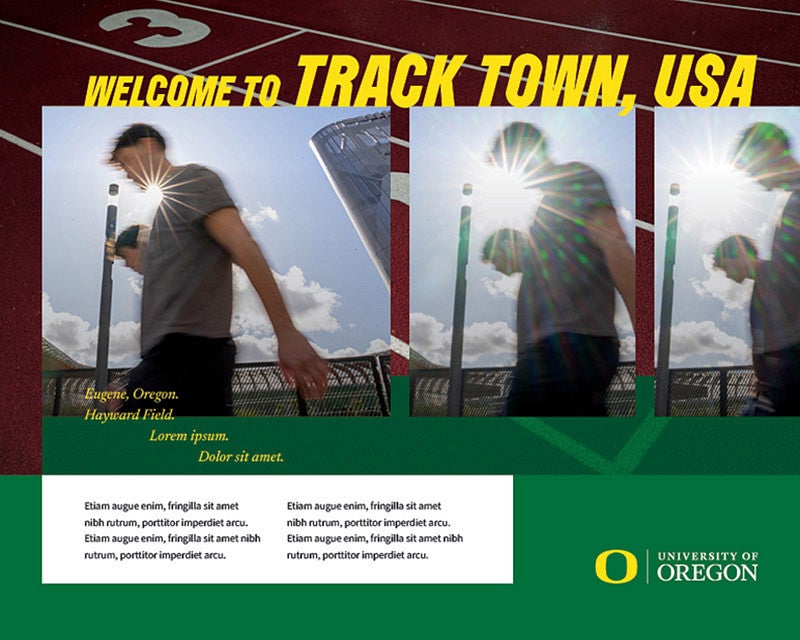
3. Photo Stack
Intention: Create movement, energy, and depth
Skill level: Intermediate
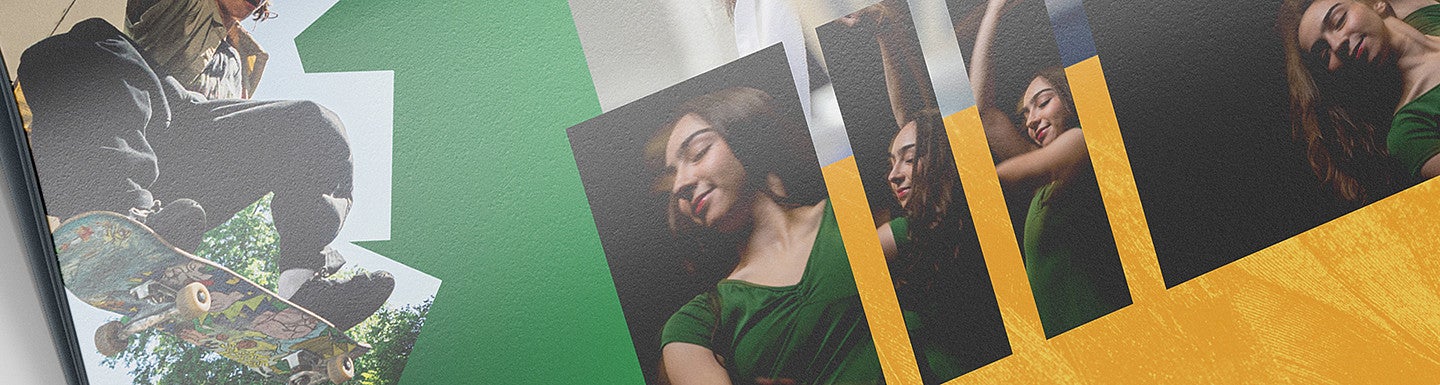
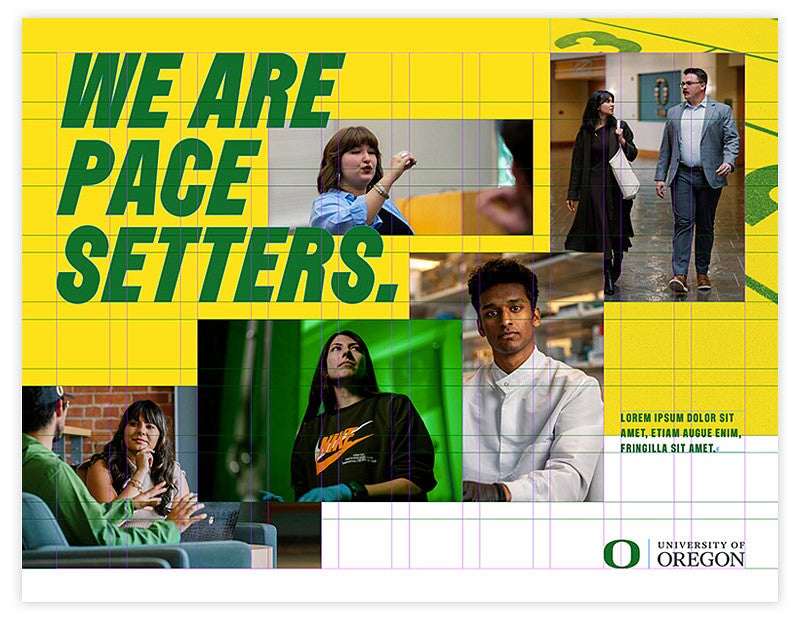
The photo stack treatment creates a sense of motion through the placement and layering of images. Depending on the audience, images can overlap to create anything from subtle movement to high energy.
To maintain consistency, stacked images align to a defined grid. Motion is created when images intentionally break or overlap that structure. The grid provides order; the overlap creates movement.

4. Photo Crop
Intention: Create movement, energy, depth, and focus
Skill level: Advanced
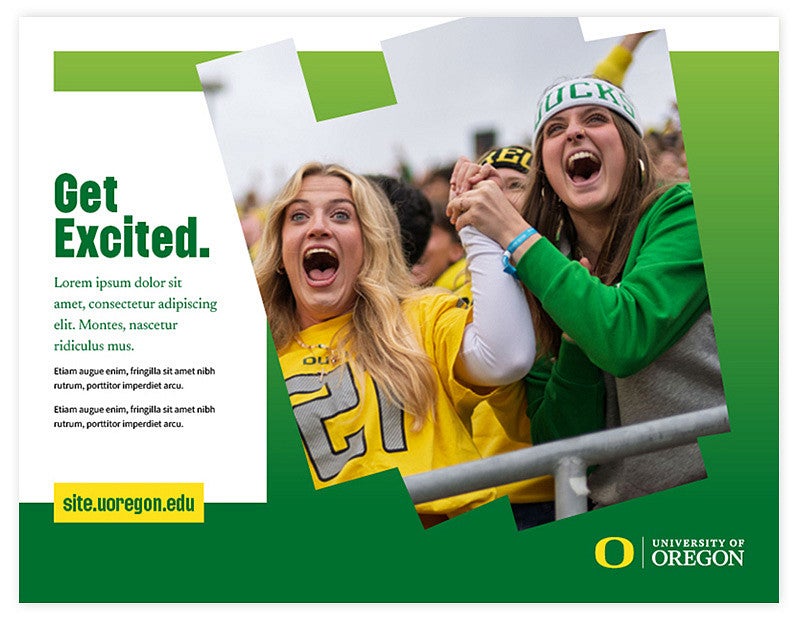
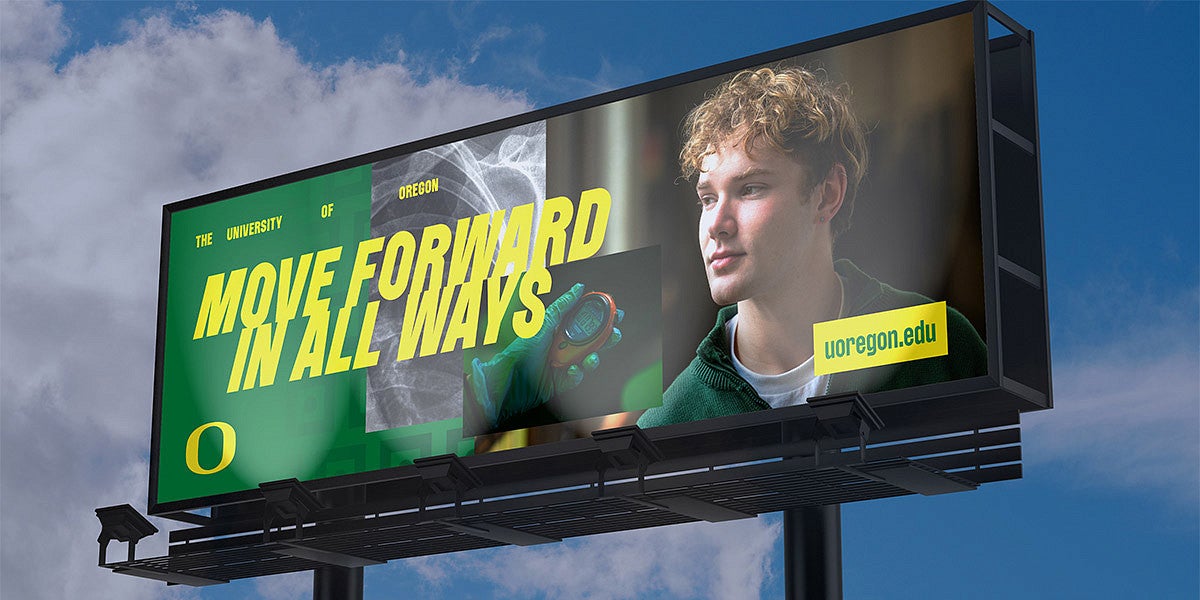
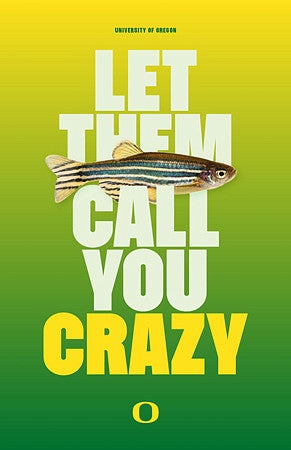
Push the idea of the photo stack further through cropped photography. To do this, cleanly crop subjects to extend beyond the original image's boundaries. Use this treatment to illustrate movement and depth. Alternatively, create focus and depth by cropping the subject from the background entirely.
5. Motion Cutout
Intention: Create movement, energy, and focus
Skill level: Advanced
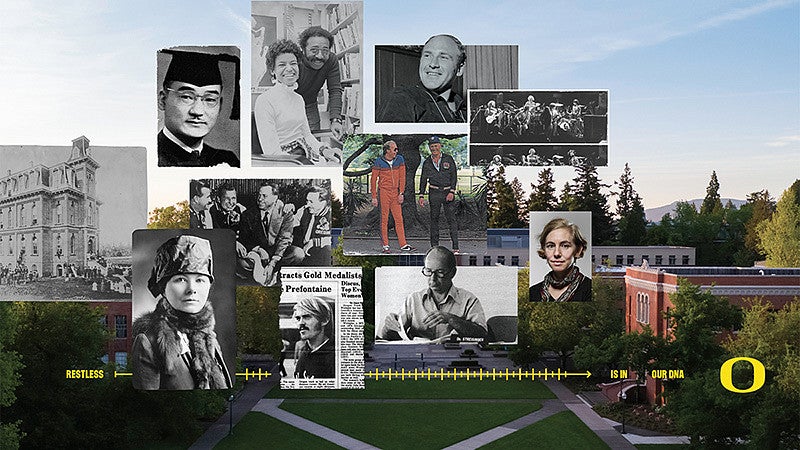
Motion cutouts simulate the appearance of one image cut into rectangular strips and stacked on top of one another. Use this application to illustrate and emphasize movement or action already present in an image.